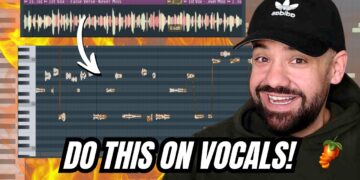








In this video I’m showing you the easiest way to tune, edit, and mix vocals in FL Studio. Plus a full vocal workflow that keeps everything sounding natural.
I cover:
• How to pitch correct vocals in FL Studio
• How to lock vocals to key and snap to scale
• Fixing vibrato manually in NewTone
• Making vocals sound natural instead of auto-tuned
• Setting up a vocal bus properly
• Hook bus routing for cleaner mixes
• Cleaning breaths and tightening vocal timing
• How to align doubles and adlibs perfectly
This is the exact vocal tuning and mixing workflow I use when I want a clean, professional sound inside FL Studio.
Producer Tools: http://yahelpme.com
IG: http://instagram.com/LarryOhh
0:00 intro
0:17 Pitcher vs NewTone explained
0:43 Locking notes to nearest pitch
1:03 Fixing vibrato
1:40 Locking vocals to scale
2:20 Manual pitch corrections
3:10 Export corrected vocal back to playlist
3:50 Adjusting Pitcher speed for natural sound
4:32 Vocal bus setup (clean routing)
5:00 Hook bus processing
5:30 Reverb & delay routing trick
5:55 Tightening doubles and adlibs
6:00 Chop tool timing workflow
6:40 Removing breaths + noise cleanup
7:05 Efficiency shortcuts in FL Studio
7:30 Final vocal workflow overview