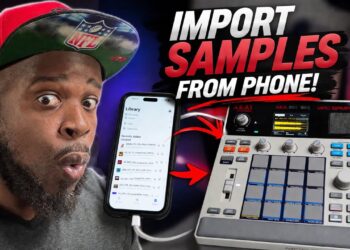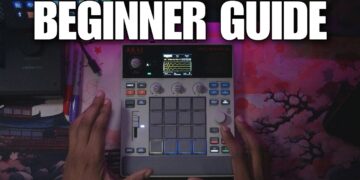






I’ll guide you through the process of making a beat on the Akai MPC Sample, showcasing its user-friendly interface. This tutorial emphasizes how straightforward it is to begin making beats with this powerful drum machine. Learn how to navigate the sampler and create your first track with ease, making beatmaking accessible for everyone.
*Sponsor and affiliate link*
MPC Sample: https://guitarcentercreator.pxf.io/dyO2Ky
My Gear: https://guitarcentercreator.pxf.io/YRQrjJ
My Twitch: https://www.twitch.tv/avemcree
Music channel: https://www.youtube.com/@UC7nfM6COdZKS8vFQx_eOdcg
Reaction Channel: https://www.youtube.com/@UCUqR_jsjIYoONc5mxoCUn6w
Gaming Channel: https://www.youtube.com/@UCk8vMQb1GaABBx1zezqxCCA
*MPC Masterclasses*
MPC LIVE 3: https://6teenlevels.com/products/mpc-live-3-masterclass
MPC ONE: https://6teenlevels.com/products/mpc-one-masterclass
MPC X: https://6teenlevels.com/products/mpc-x-masterclass
MPC Live 2: https://6teenlevels.com/products/akai-mpc-live-2-masterclass
MPC Key 37: https://6teenlevels.com/products/mpc-key-37-masterclass
0:00 intro
0:34 the 2 different screens (sample & sequence)
1:01 how to start a new project
1:40 how to load sounds
3:16 let’s play with the kit
3:41 full level
4:10 how to mix pads
4:54 how to load sounds from an external drive (micro sd card)
6:06 how to edit your samples (trimming, tuning, and flitering)
10:15 tap tempo, metronome
12:17 sample chopping (how to chop samples)
13:37 how to record a sequence
16:19 how to find a bass sound
17:08 note on mode
17:28 16 levels
18:28 how to erase a pad track (undo & re
19:15 how to copy and paste (pads & sequence)
19:58 how to make sequences unique
20:34 song mode (how to arrange your beat)
22:04 how to export beats, create new sequence
22:37 how to save your beat
23:42 final thought (pros & cons)